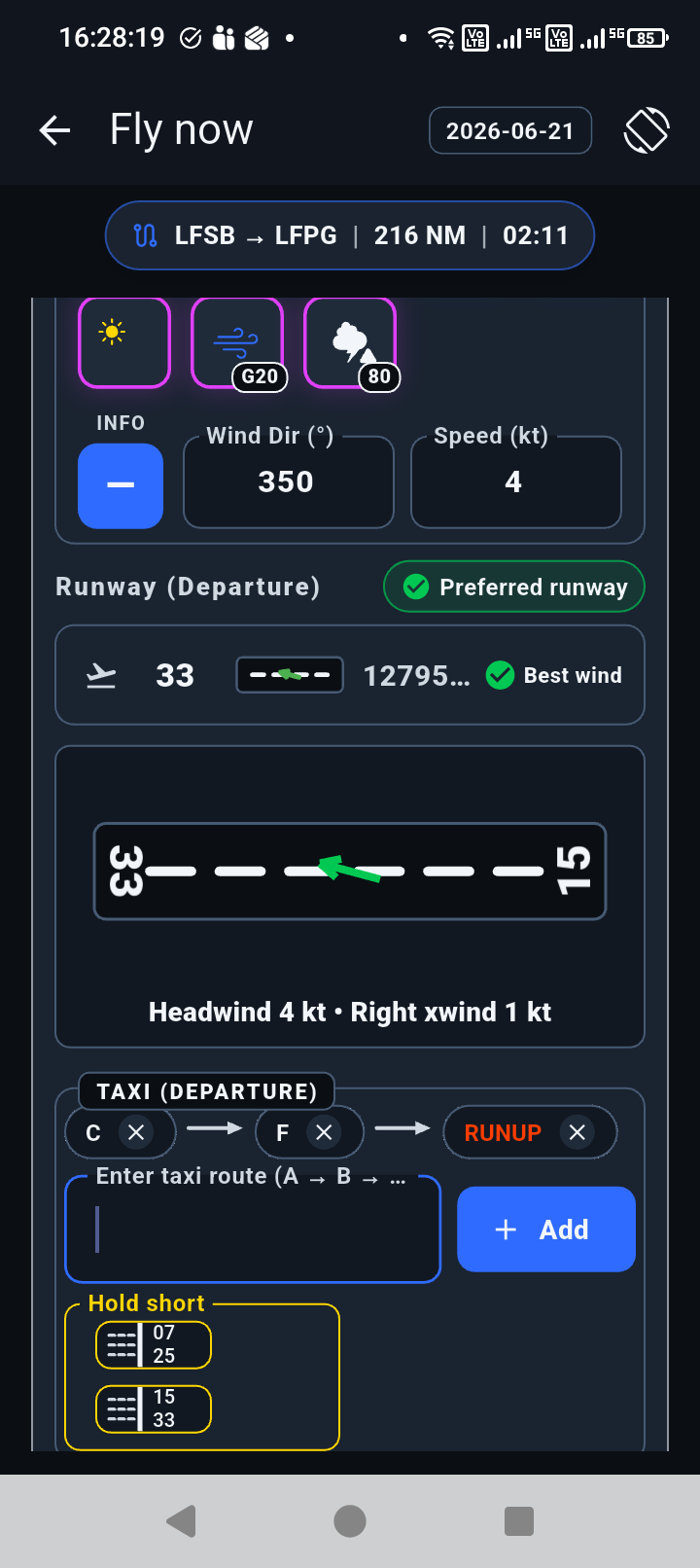
Ground workflow
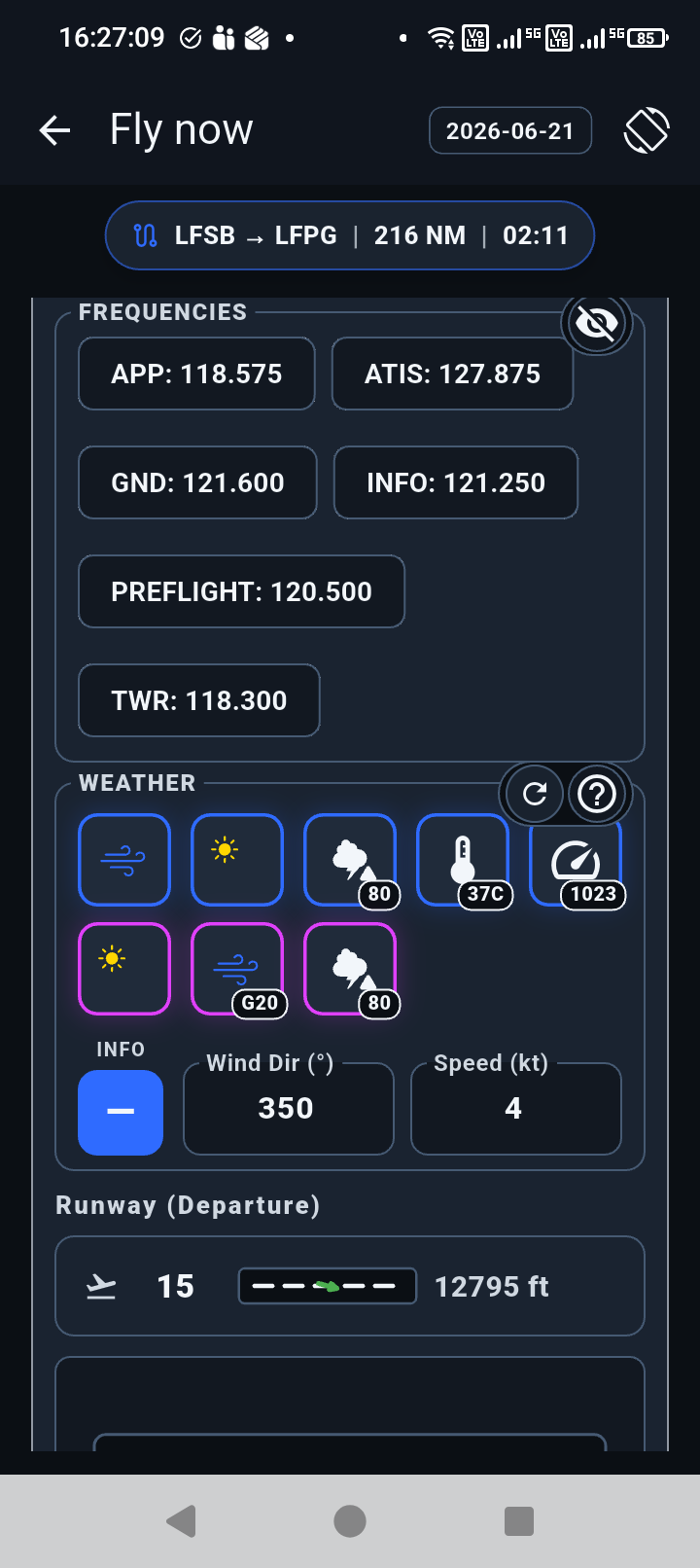
Airport selection, runway wind, frequencies, taxi planning, and hold-short notes are grouped around the active flight.
Ground page → Block Time
 Cockpit workflow for pilots
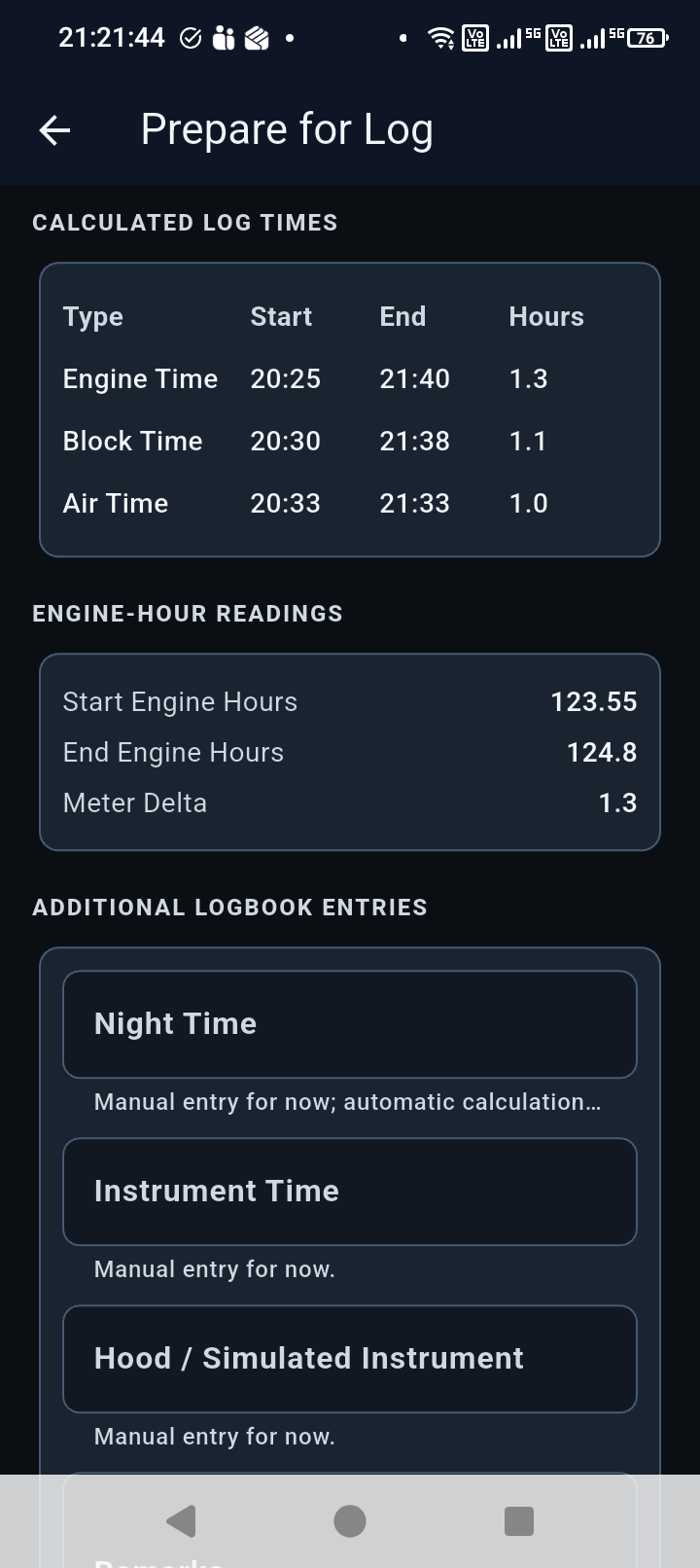
Block Time brings ground workflow, weather context, flight timing, engine-hour capture, and recordkeeping into one clean cockpit flow.
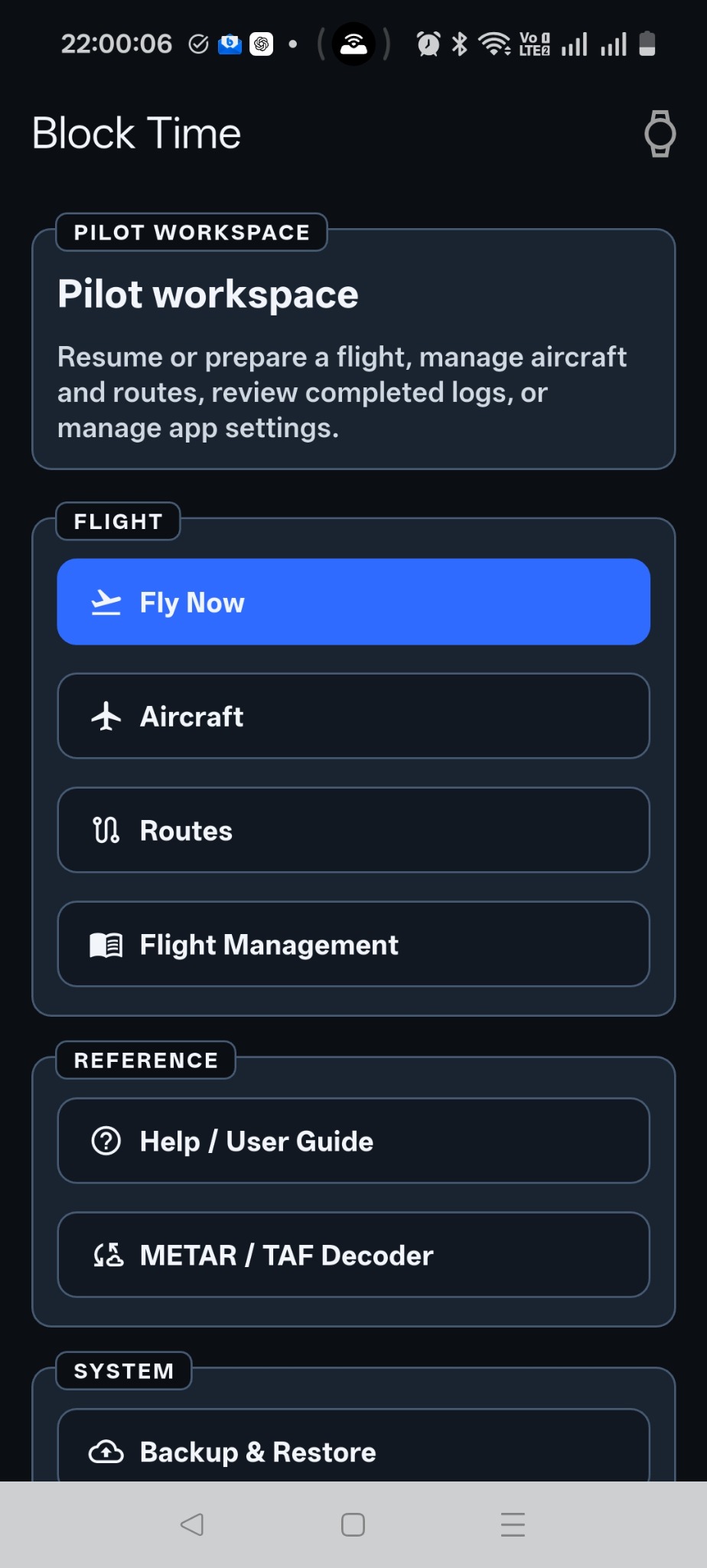
What it helps with
Airport selection, runway wind, frequencies, taxi planning, and hold-short notes are grouped around the active flight.
Ground page →METAR and TAF reports stay visible as raw text, readable chips, and deeper explanations when a token needs context.
Weather page →The timeline follows the flight, not a spreadsheet: engine on, first move, takeoff, landing, park, engine off, review, finalize.
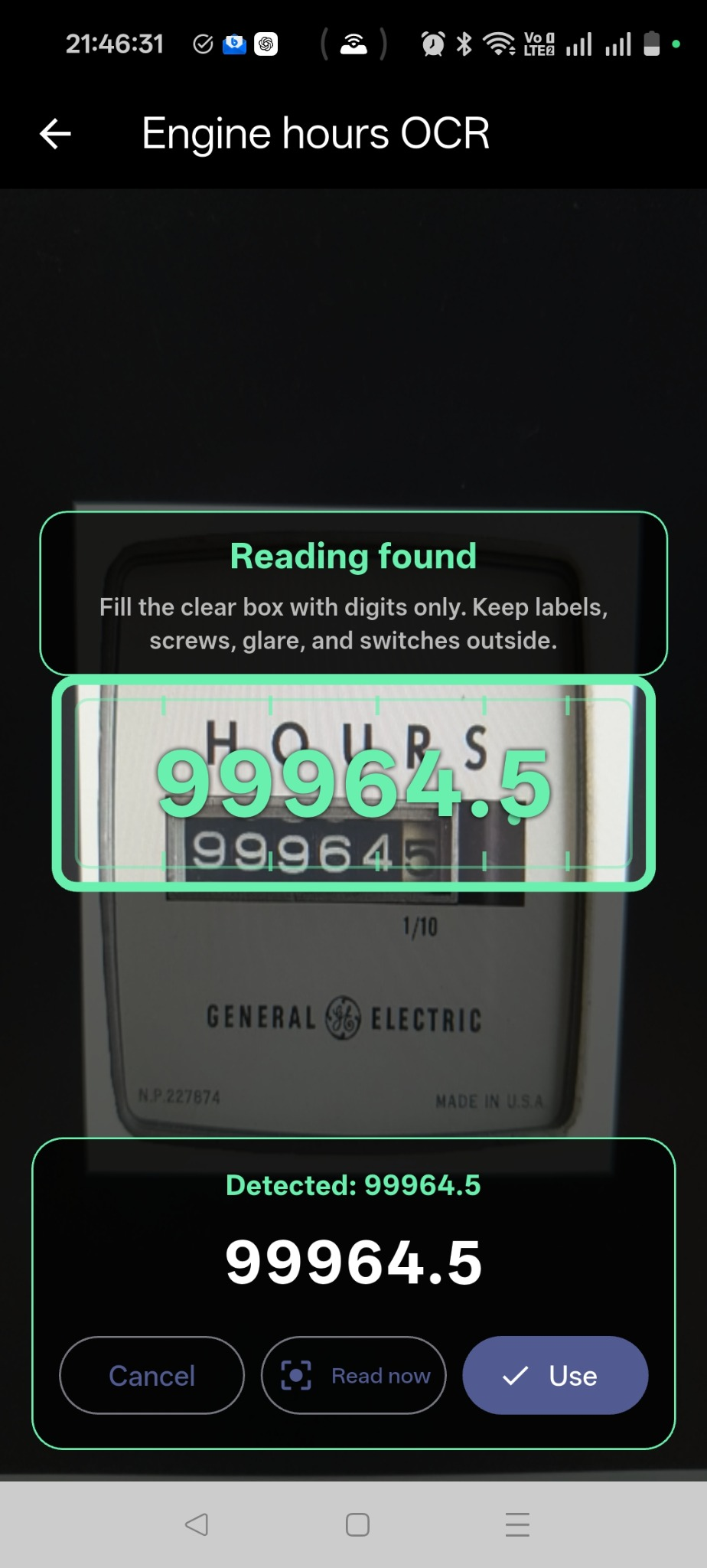
Logging page →A guided camera target and OCR support help pilots read the meter, confirm the value, and keep the reading attached to the flight record.
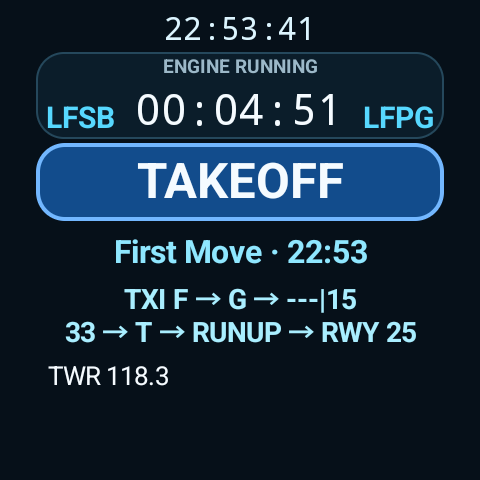
Engine hours page →Free Wear OS companion
See the active timer and record flight events from your watch. Frequencies and immediate flight context stay close to the next action.
Requires Block Time on a paired Android device.
Sources and references
Block Time uses NOAA aviation weather data by default where available, keeps source context visible, and includes public reference links for the weather and EFB guidance behind the explanations.
Block Time uses the most recent data from official aviation weather sources where available, including NOAA aviation weather by default, and can support additional user-configured sources. Use aircraft documents, official procedures, approved operational sources, and pilot judgement for operational decisions.