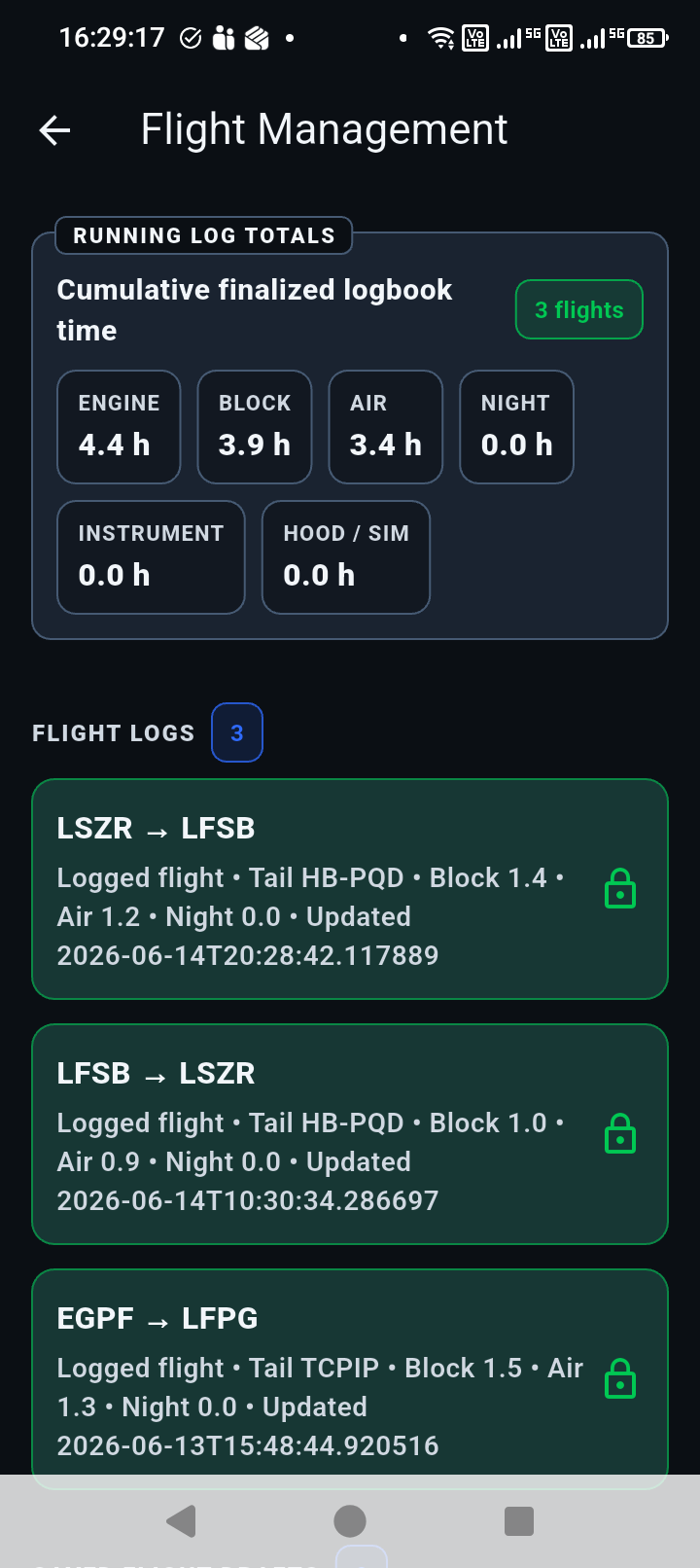
Guided target window
The pilot fills the clear box with digits only, keeping labels, switches, glare, and screws outside the OCR area.
 Block Time
 Engine-hour capture
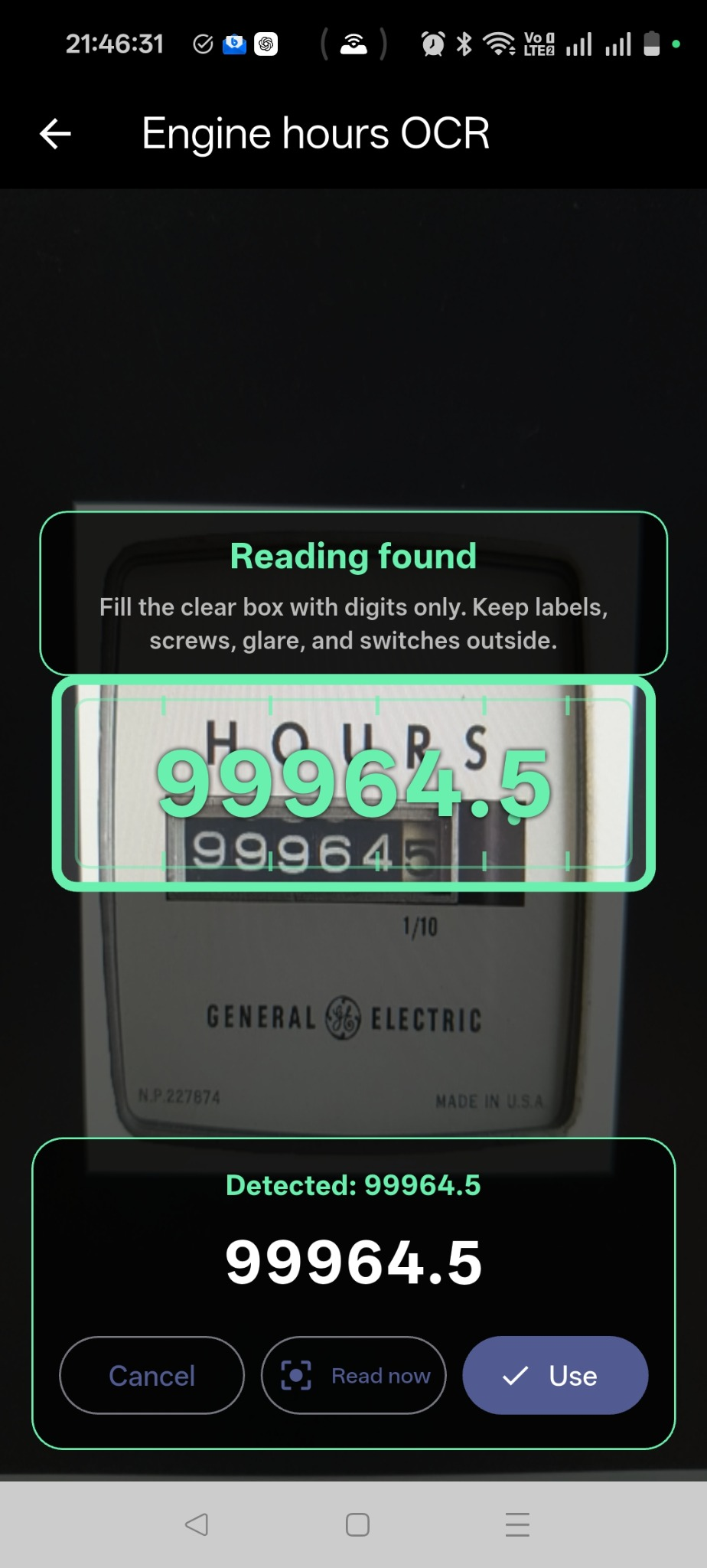
Block Time helps pilots capture engine-hour readings with a guided camera target. The OCR result is shown clearly, then the pilot confirms the value before it becomes part of the flight record.
How it helps
The pilot fills the clear box with digits only, keeping labels, switches, glare, and screws outside the OCR area.
The app reads the guided region first, shows the detected candidate, and keeps the pilot in control of the saved value.
Readings can be checked against previous records for the same tail so unusual values are easier to catch.
The confirmed value stays connected to the flight record and review workflow instead of becoming a separate note.
Pilot confirmation
The detected number is a candidate, not an automatic final answer. Block Time shows the value clearly and lets the pilot confirm, retry, or enter the reading manually.