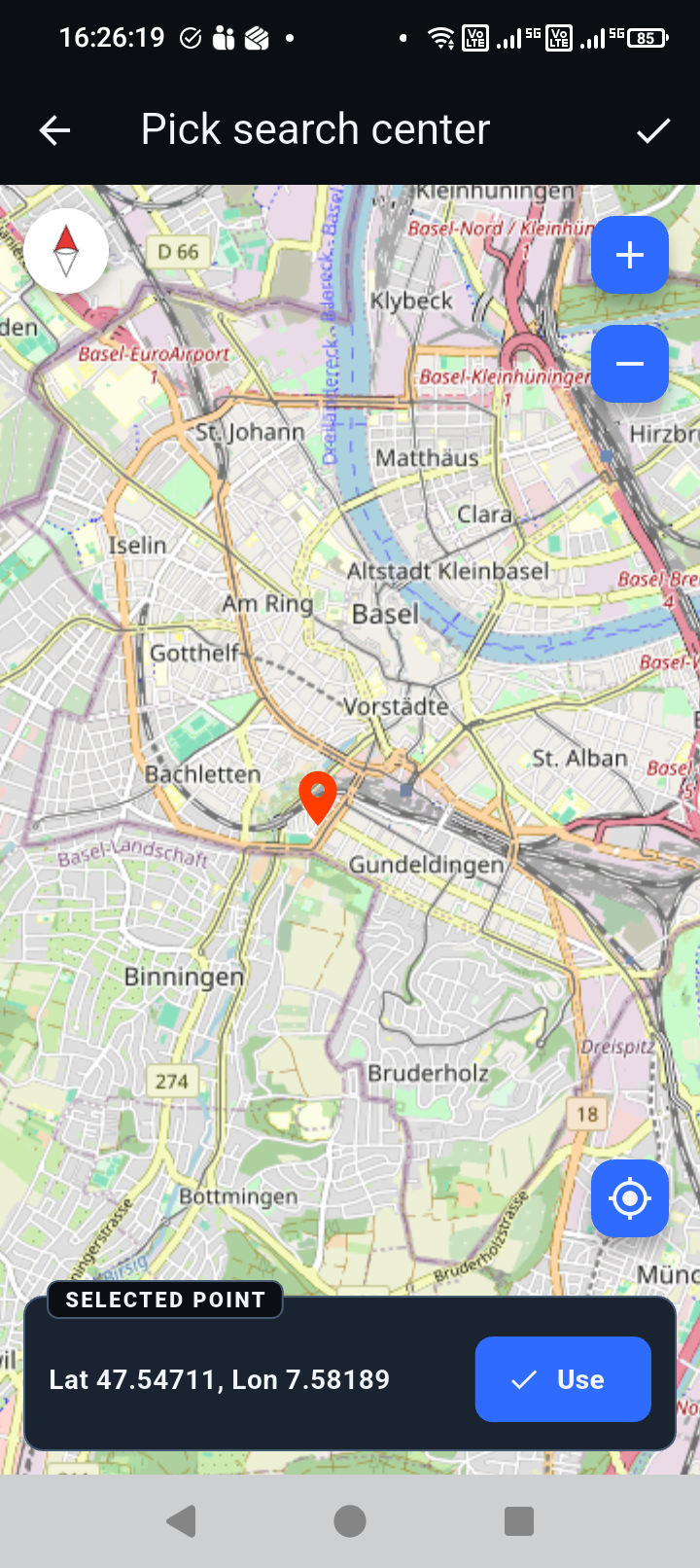
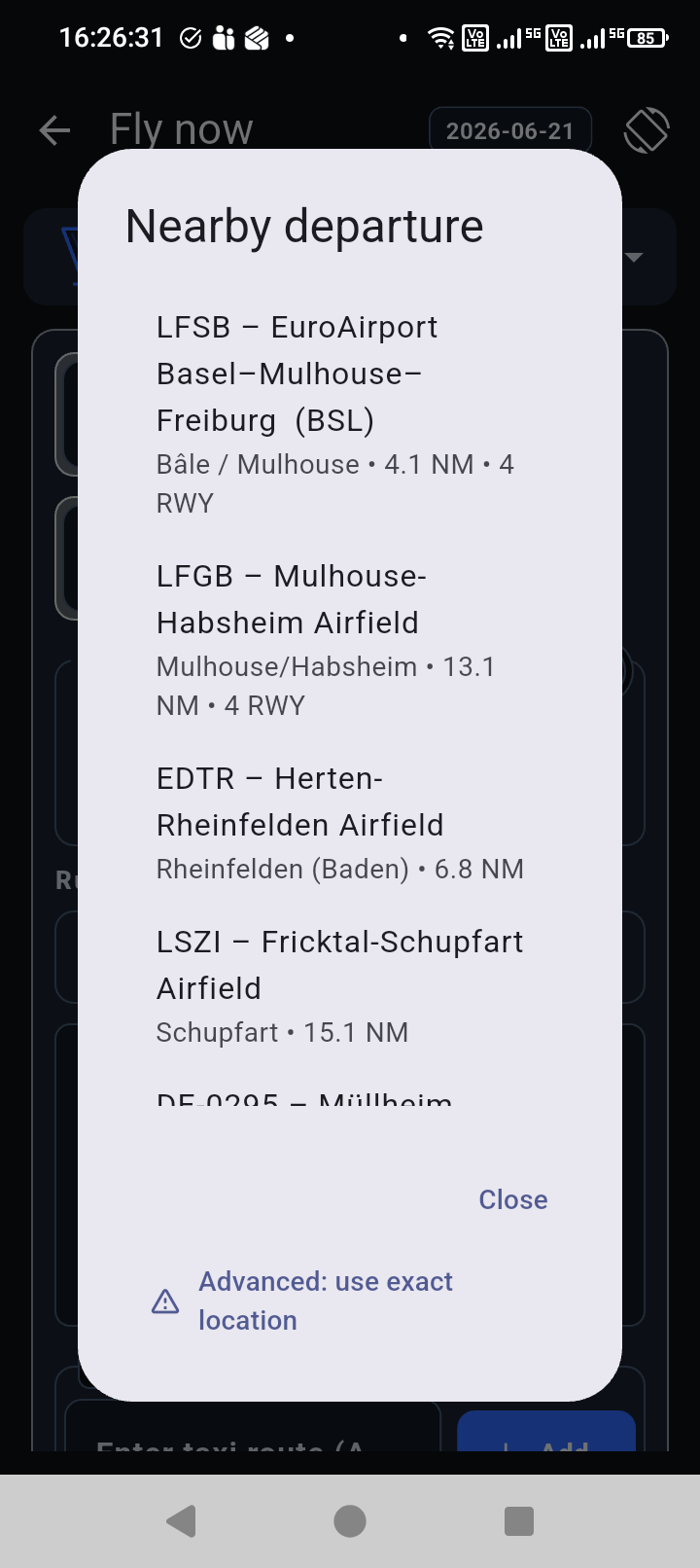
Pick the airport quickly
Nearby airport selection and map-based search help set the departure and arrival context without typing everything manually.
 Block Time
 Ground workflow
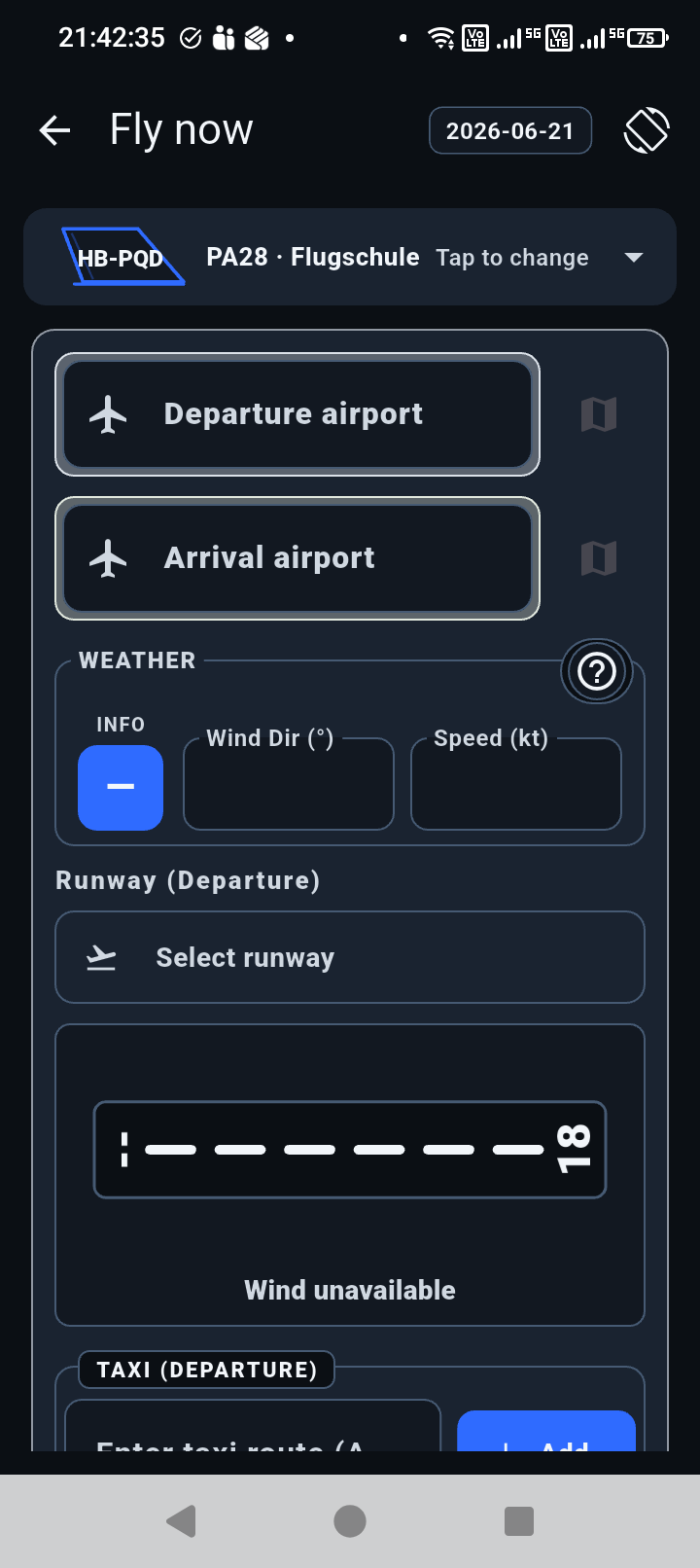
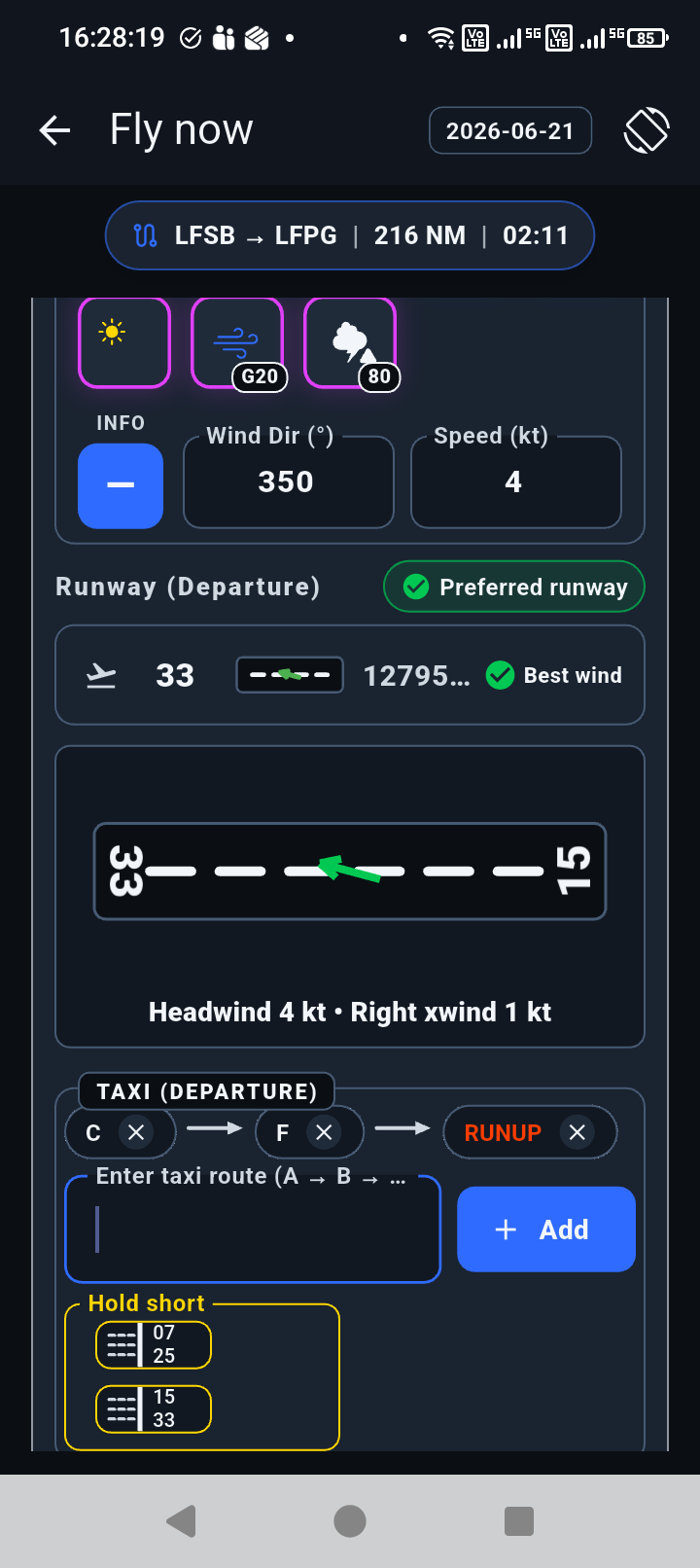
Block Time helps organize the practical ground-workflow pieces pilots already manage: departure and arrival selection, nearby airports, runway wind, frequencies, taxi route notes, and hold-short points.
How it helps
Nearby airport selection and map-based search help set the departure and arrival context without typing everything manually.
Wind direction and runway data are presented together so the important relationship is easy to see.
Taxi routing and hold-short runway notes can be laid out before and during the ground phase.
The ground workflow stays connected to the active flight instead of becoming separate notes.