Reconcile before finalizing
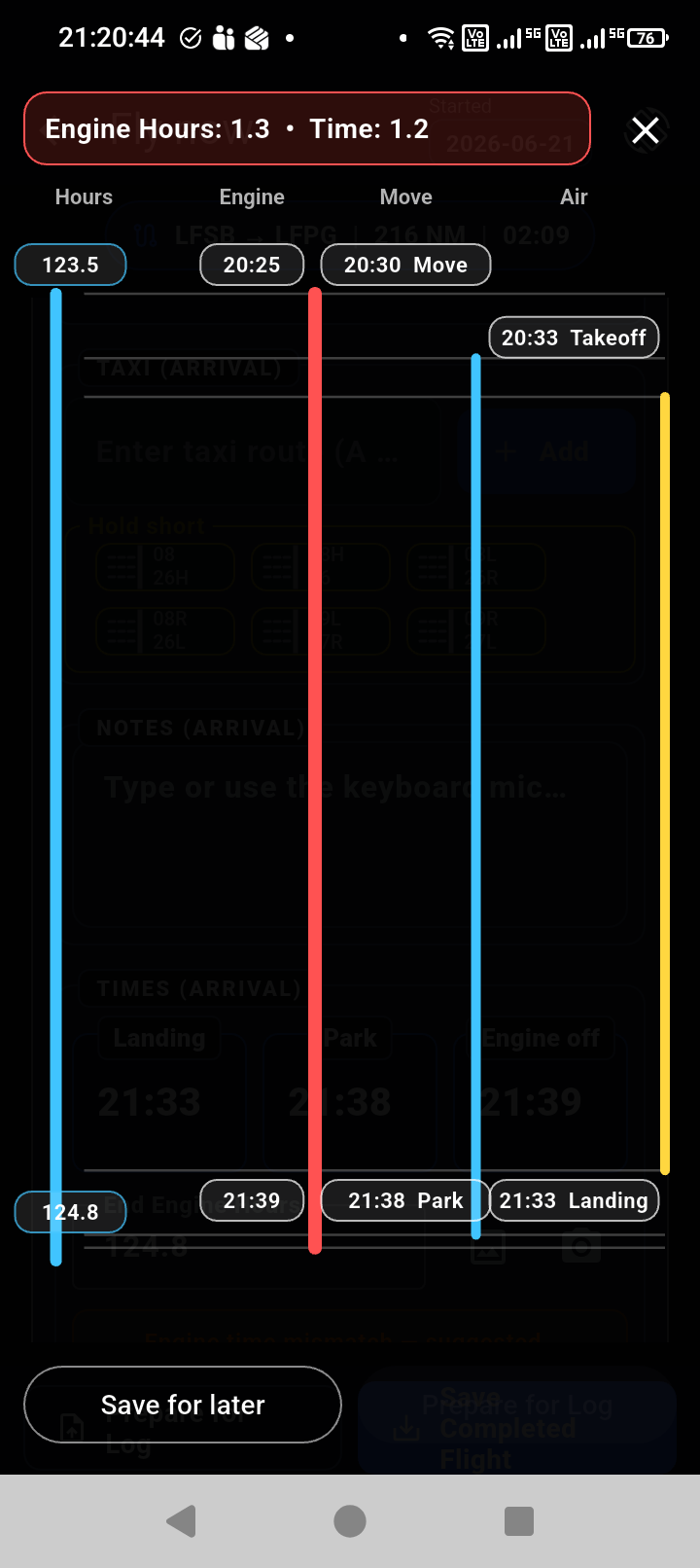
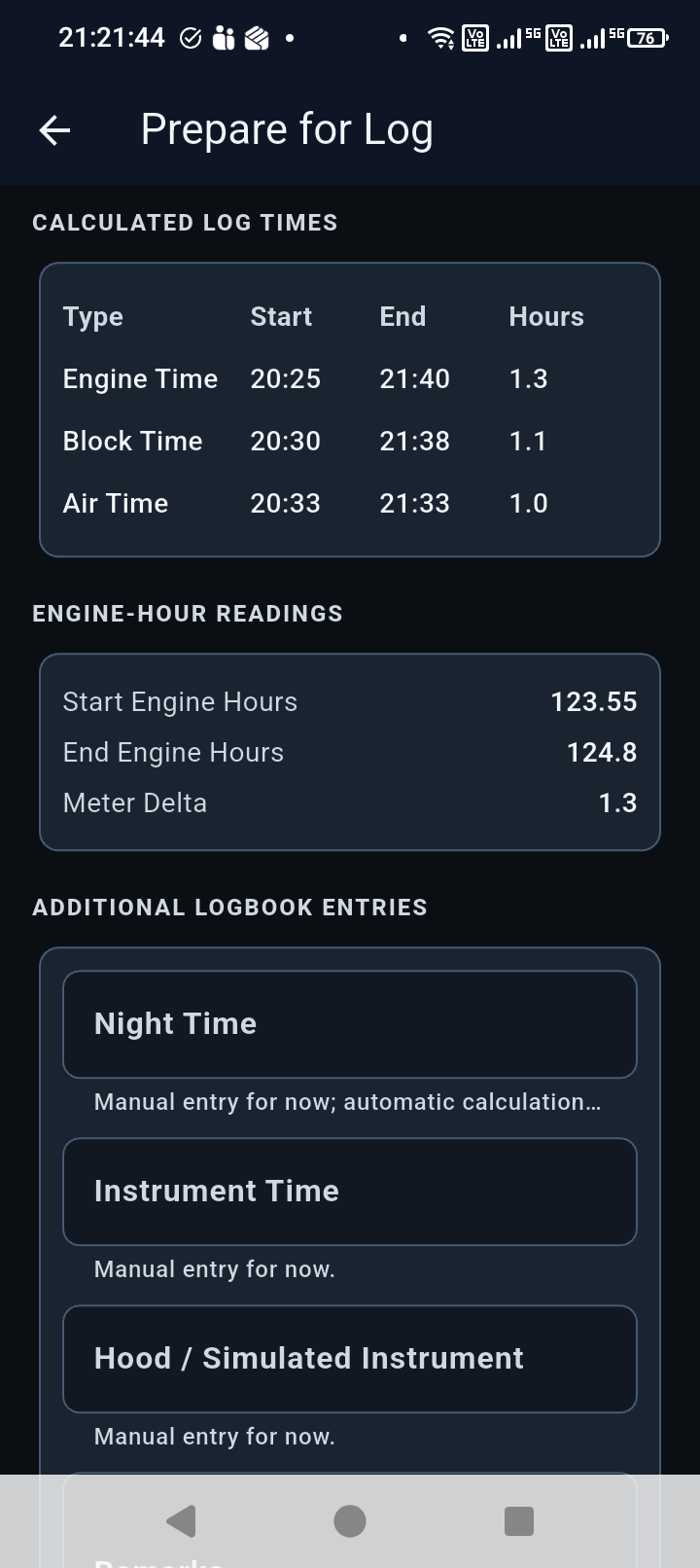
The app keeps timing values together so the pilot can review and correct the flight record before it is finalized.
 Block Time
 Flight logging
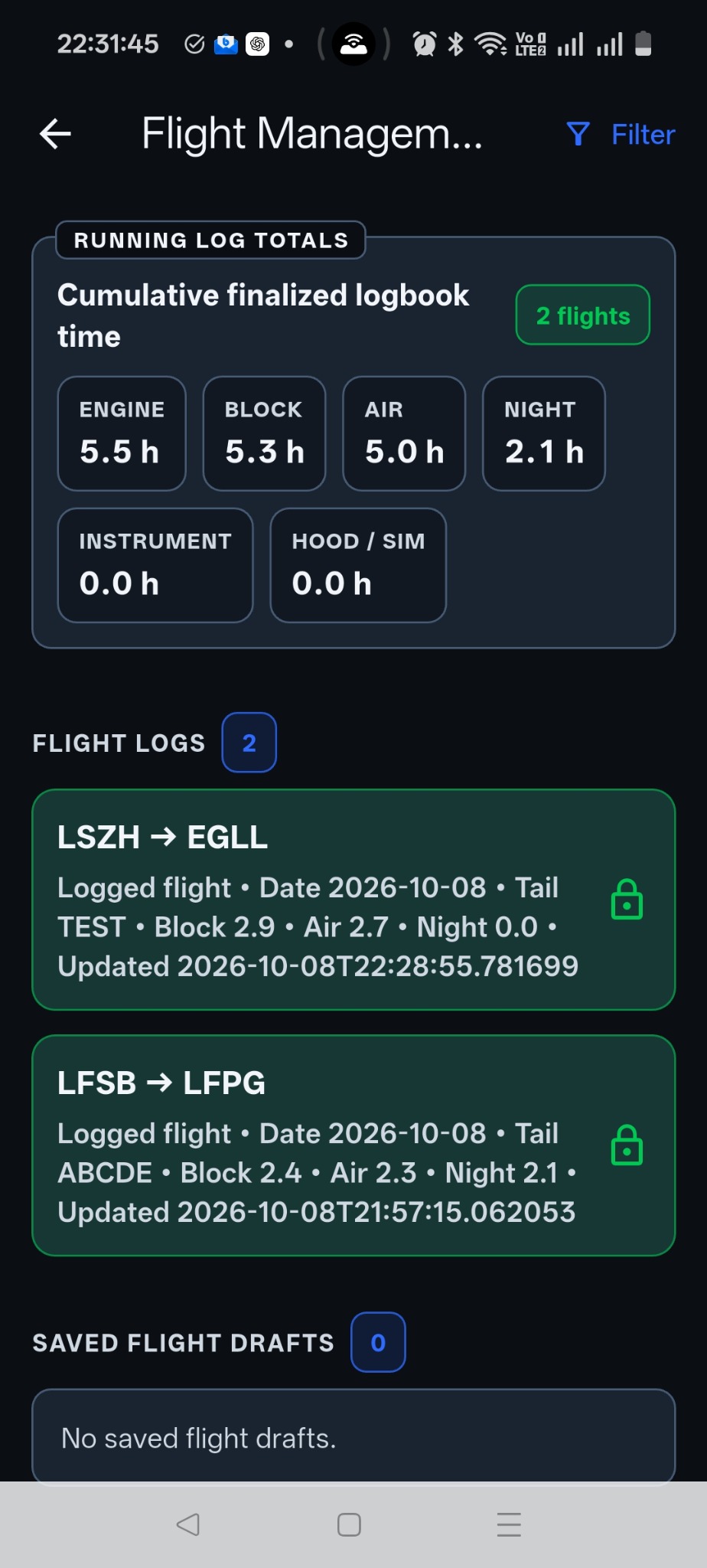
Block Time lays out the flight sequence around standard pilot workflow, then helps reconcile the record before it becomes a finalized log entry.
Flight sequence
Aircraft configuration
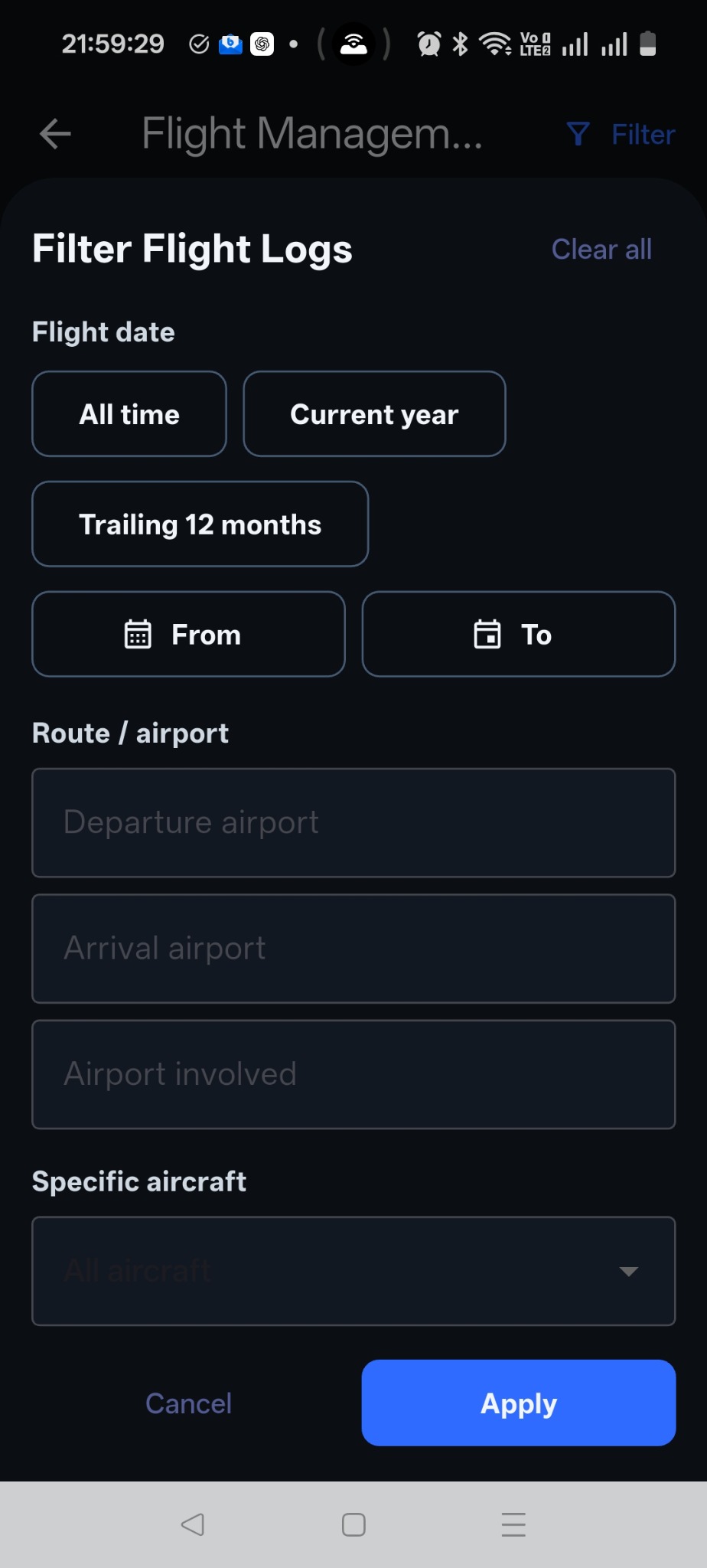
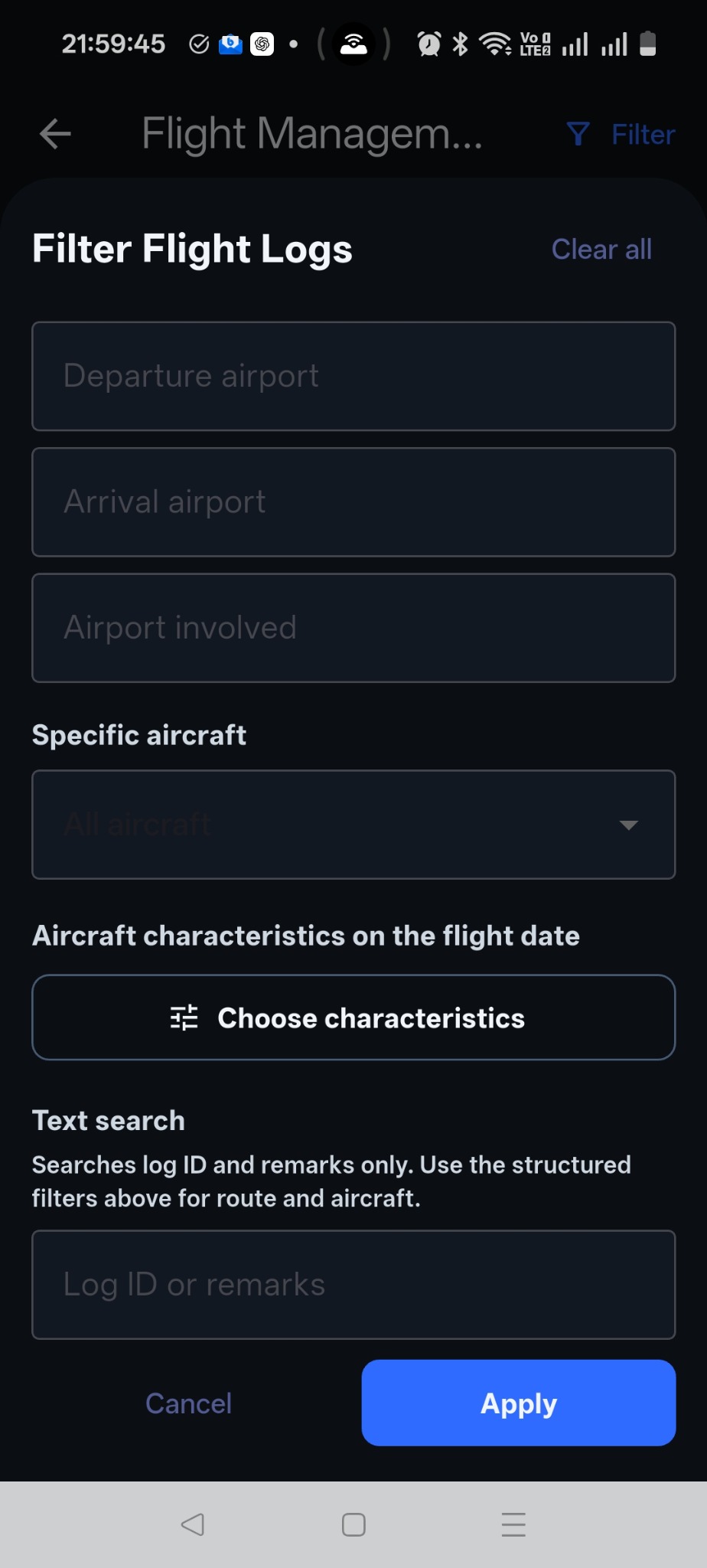
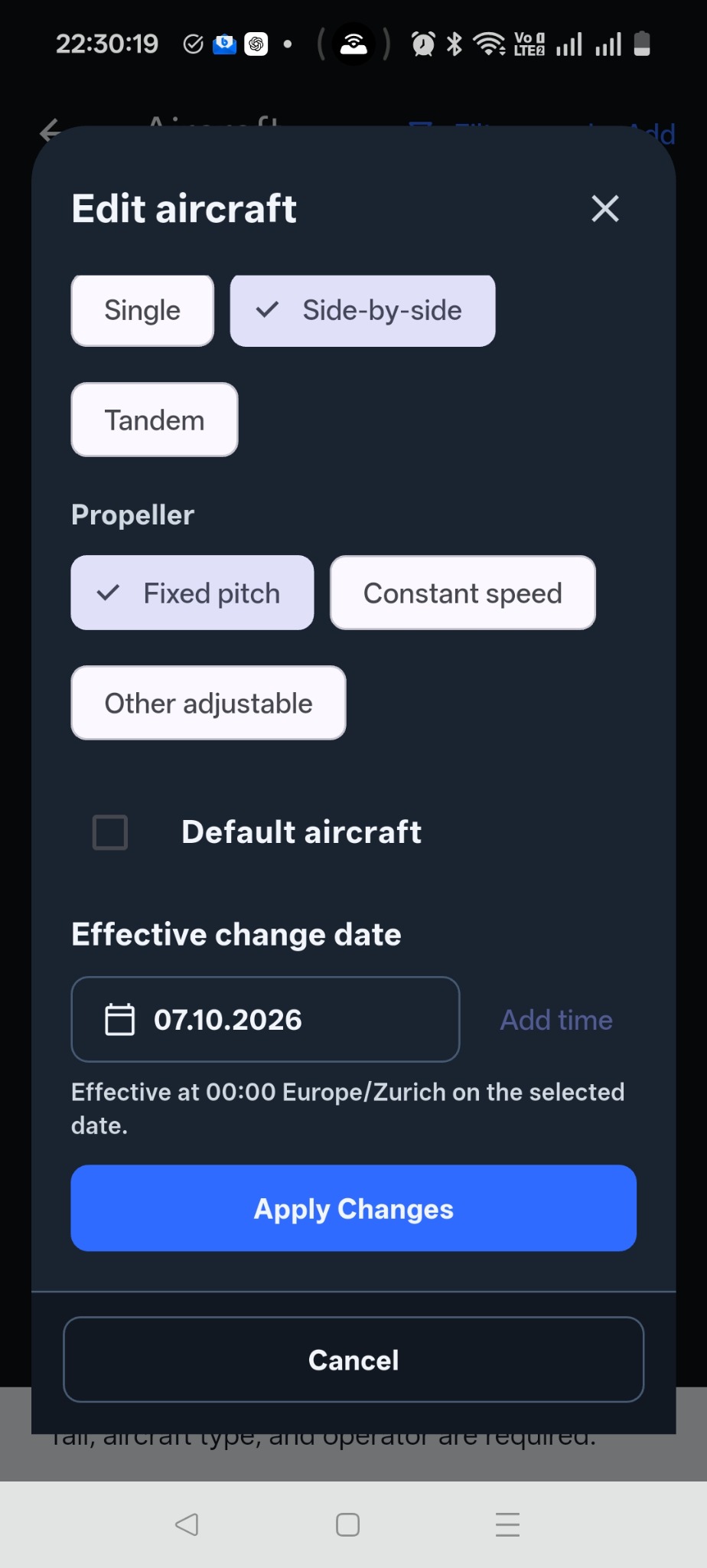
Review the aircraft’s characteristics and the date a configuration took effect. These details give context to your flying history.
The app keeps timing values together so the pilot can review and correct the flight record before it is finalized.
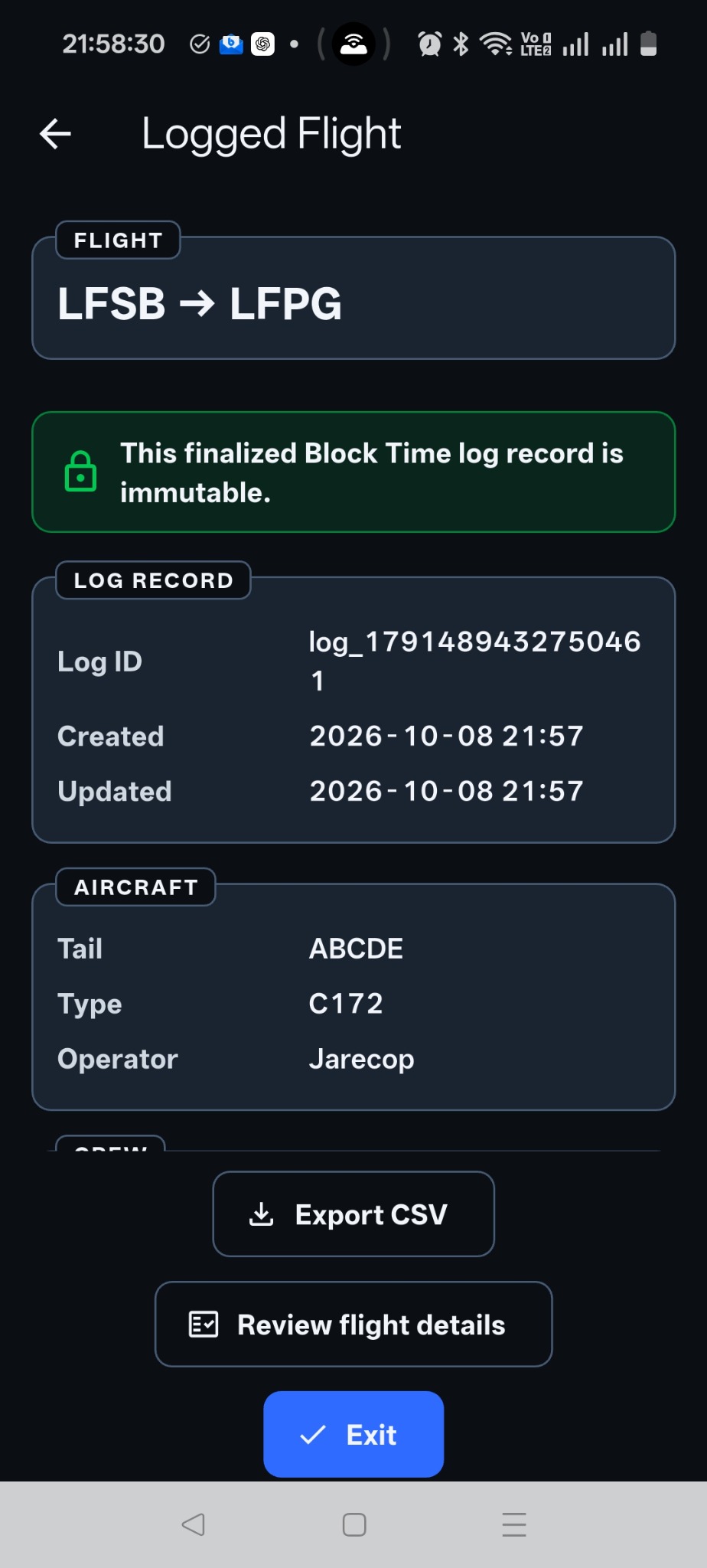
Completed flights remain visible for review, totals, and export workflows.
Flight records are structured for cleaner exports and less end-of-month logbook cleanup.
The workflow is meant to reduce distraction and admin overhead, not add another form-filling task.