Raw and decoded
Raw METAR and TAF reports remain available while cockpit-style chips make the important pieces easier to scan.
 Block Time
 Weather context
Block Time starts with what helps the pilot in the cockpit: current reports, decoded chips, runway wind context, and source visibility. The learning tools are there when a student or pilot wants to inspect the code behind the display.
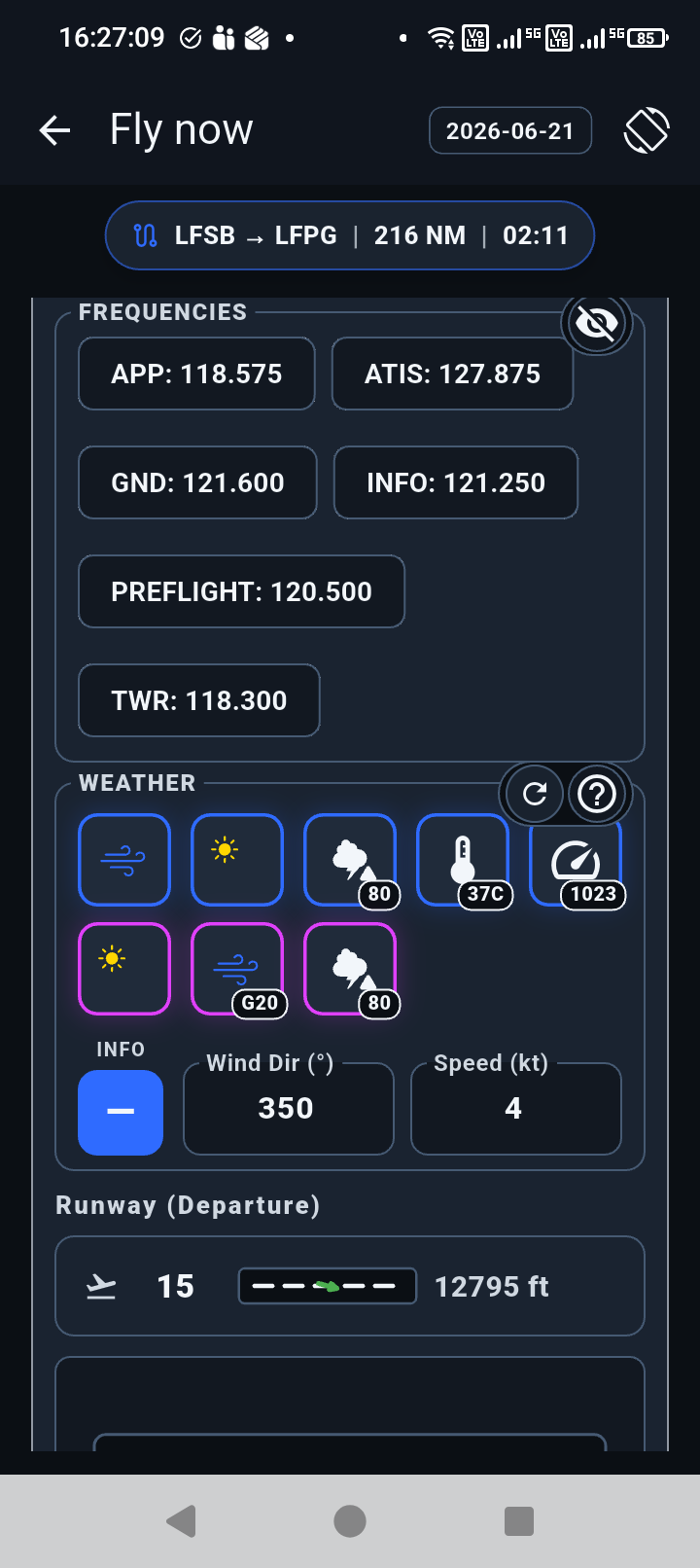
Pilot experience
Raw METAR and TAF reports remain available while cockpit-style chips make the important pieces easier to scan.
NOAA aviation weather data is used by default where available. The system is designed so other user-selected weather sources can be added where supported.
Wind and runway information are shown together so the weather display supports the flight workflow.
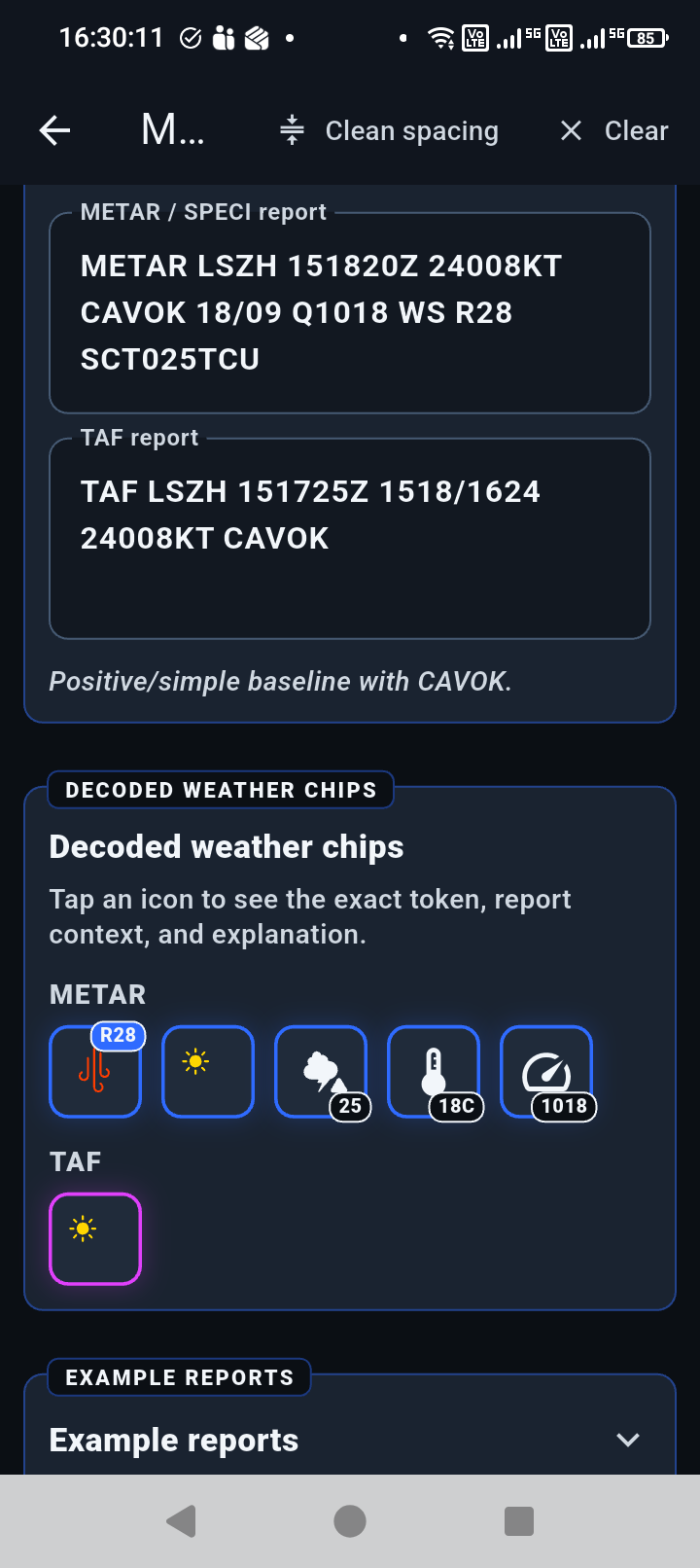
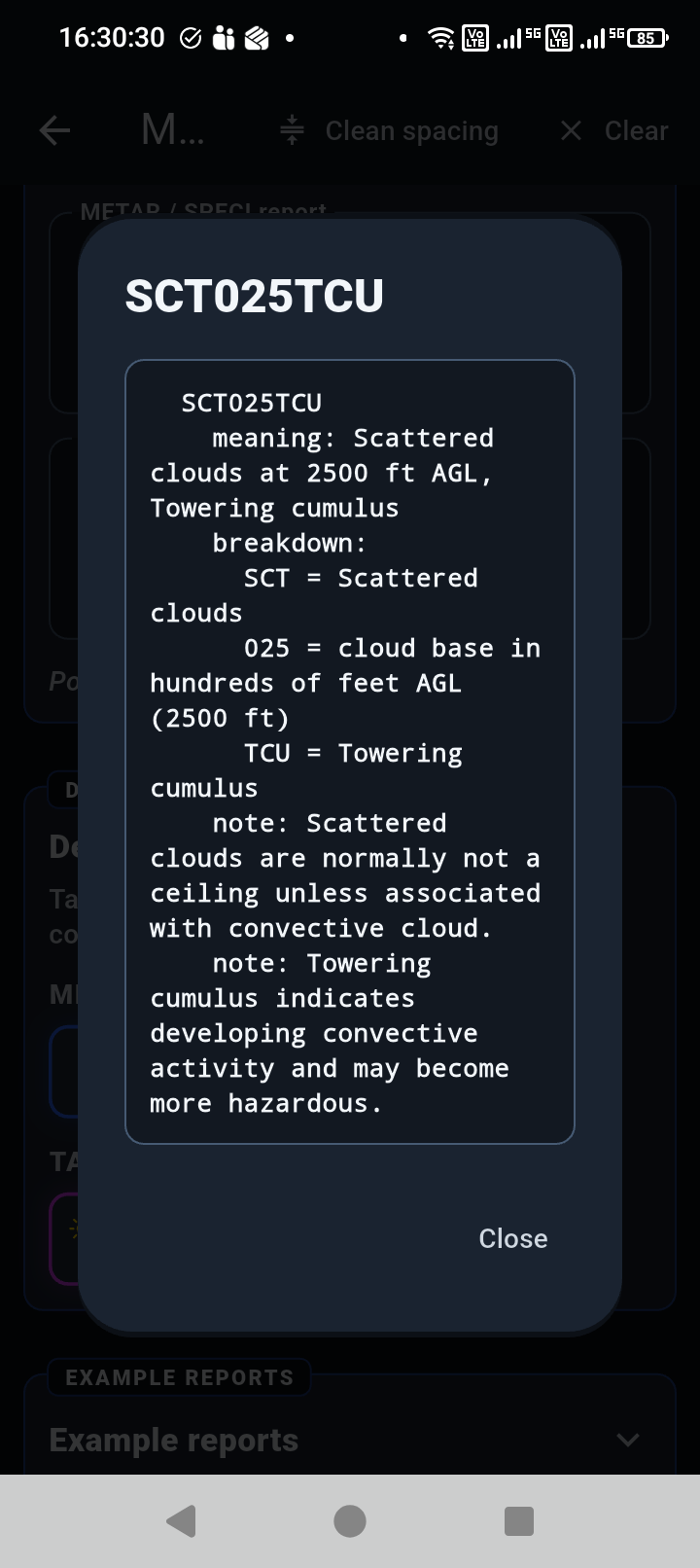
METAR / TAF Decoder and token popups help students and curious pilots understand what the weather code is saying.
Learning addition
METAR / TAF Decoder uses the same decoded-chip idea as the cockpit view, then adds token context and detailed explanations for learning and validation.
Public references
These links explain the sources and weather-code references used by the app. They open as reference popups first, with external source links opening in a new tab.